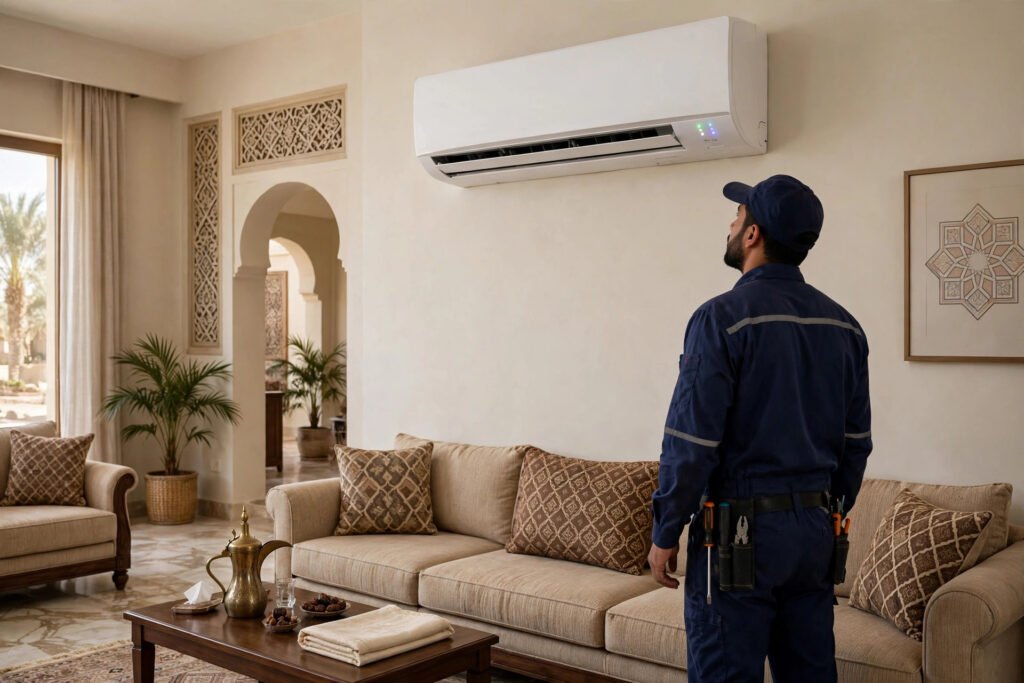
Seeing the samsung ac timer light blinking on your split unit late at night in Riyadh is unsettling. Did you set a timer by accident, or is the unit trying to warn you about a real problem? On Samsung split ACs, that small timer LED doubles as the system’s alarm bell: when it blinks, the indoor unit has detected a fault and is protecting itself by limiting cooling or shutting down.
Not every blink pattern is an emergency. This guide decodes the five most common reasons for a Samsung AC timer light blinking, gives you a blink pattern vs meaning table, and walks you through three safe DIY checks. If it is a real repair, we cover what it costs in Riyadh and when to get help fast.
Everything below is based on how Samsung splits actually behave in Riyadh’s heat and dust, where clogged filters, low refrigerant, and outdoor-unit strain cause most alerts.
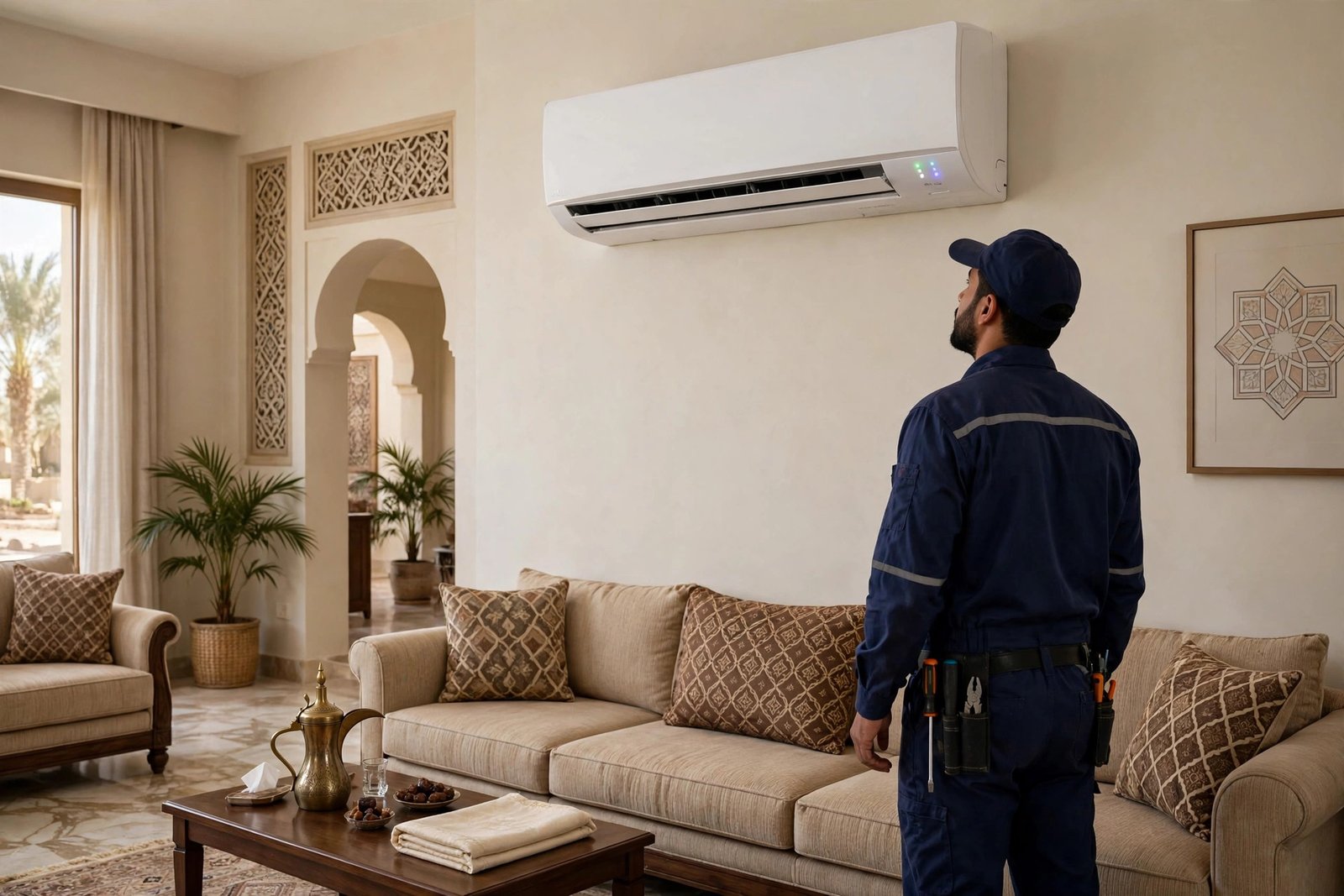
What Samsung AC Timer Light Blinking Means
Samsung split air conditioners give the timer LED two jobs. Normally it glows steady when an on or off timer is set, and stays dark otherwise. But when the indoor unit detects abnormal operation, it flashes the same LED to flag the fault. On many models you can see the stored error code by pressing and holding TIMER on the remote, which helps your technician. Confirm this for your model on the official Samsung Saudi Arabia support page.
When a Blinking Timer Light Is Nothing to Worry About
If your AC is cooling normally and the timer light blinks slowly, the likely cause is an active sleep or off timer, or the filter clean reminder on newer models. Press TIMER on the remote once to cancel any schedule. If the blinking stops, nothing is wrong: your unit was following your schedule.
When It Means a Real Fault
A blinking timer light paired with weak cooling, warm air, strange beeps, or a unit that will not start means the protection circuit has tripped. In Riyadh’s heat the usual suspects are a choked filter, low refrigerant from a slow leak, or an outdoor unit fault like a failed capacitor or overloaded compressor. The table below matches your pattern to its likely meaning.
Blink Pattern vs Meaning: Quick Reference Table
Match your pattern in the first column, then try the first step in the third. Patterns vary slightly by model, so treat this as a guide and check your remote error code.
| Blink Pattern | What It Usually Means | First Step |
|---|---|---|
| Timer LED blinking slowly, AC still cooling | An on/off timer or the filter clean reminder is active | Press TIMER on the remote to cancel; clean the filters |
| Timer LED blinking, air is weak or warm | Low refrigerant or a clogged filter tripped the protection mode | Clean the filter; if airflow stays weak, book a Freon check |
| Timer LED blinking fast, outdoor unit is silent | Outdoor unit fault: failed capacitor, fan motor, or compressor overload | Switch the unit off and book a diagnostic visit |
| Timer LED blinking with beeps, unit will not start | Communication error between indoor and outdoor units (wiring, sensor, or PCB) | Try a power reset; if it returns, call a certified technician |
| Timer LED blinking right after a power cut | Control board lost its settings in the power interruption | Run the power reset steps in the DIY section below |
| Timer LED steady (not blinking) | A timer is simply set; this is normal operation | No action needed |
5 Meanings of a Blinking Samsung AC Timer Light
1. An Active Timer or Filter Clean Reminder
This is the harmless one. A sleep timer, an off timer, or the filter clean reminder can blink the timer LED while the unit cools perfectly. It is common in Riyadh because dust loads filters fast, so the reminder fires often. Cancel the timer on the remote and clean the filter, and the blink should clear.
2. Low Refrigerant (Freon) Tripping the Protection Switch
When refrigerant runs low, usually from a slow leak at a flare joint or valve, the low pressure switch trips and the timer light blinks. The air feels weak or lukewarm, and the outdoor unit runs longer than usual. This never fixes itself, and topping up gas without finding the leak wastes money, so book a proper AC Freon leak check and refill. Ours is 250 SAR (was 320) with genuine refrigerant.
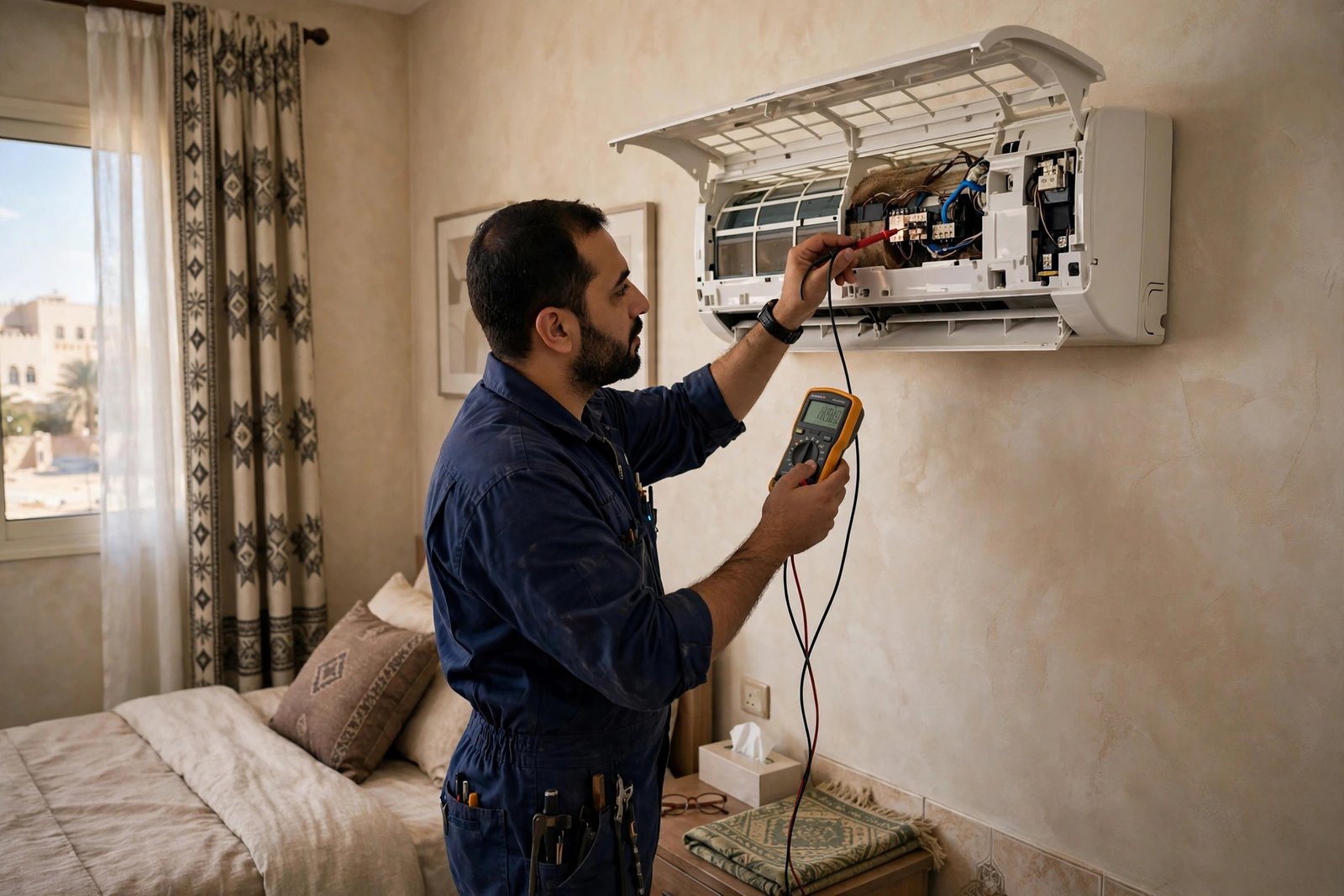
3. Outdoor Unit Fault: Capacitor, Fan Motor, or Compressor Overload
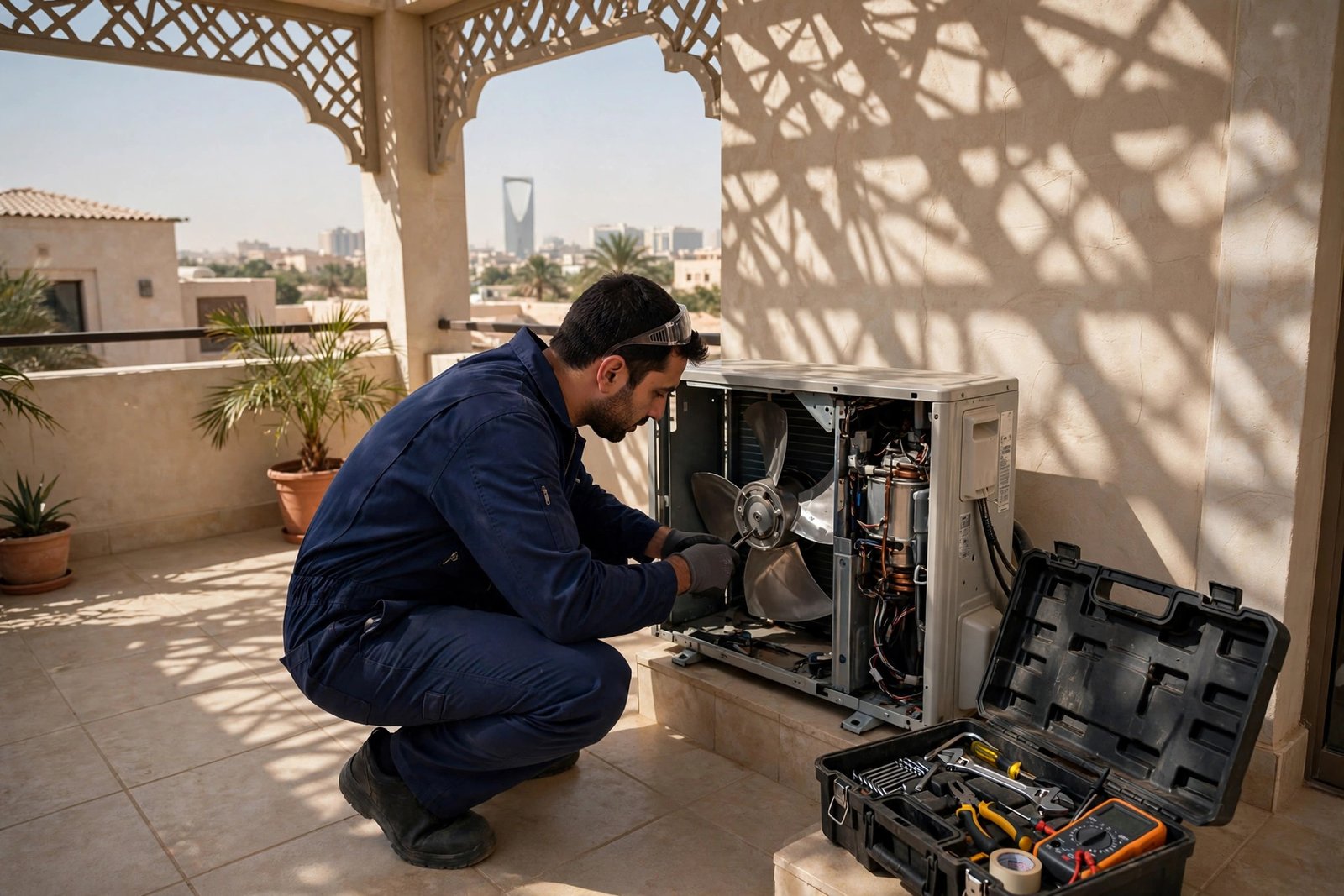
If the timer light blinks fast while the outdoor unit sits silent, the problem is outside. Riyadh’s heat is brutal on capacitors and fan motors, and a weak capacitor is the most common summer failure we see. If the compressor is overloaded, running the unit repeatedly can damage it, so switch off and get a diagnosis. Our AC Diagnostics & Rapid Repair visit is 120 SAR (was 180) and pinpoints the failed part.
4. Communication Failure Between Indoor and Outdoor Units
Beeps plus a blinking timer light and a unit that refuses to start means the indoor and outdoor units cannot communicate. Causes range from a loose or corroded interconnecting wire to a failed room sensor or a faulty control PCB. This is not DIY work: it involves opening the outdoor unit and testing live electrical parts. Our guide to split AC not cooling fixes helps you describe symptoms clearly to your technician.
5. Control Board Glitch After a Power Cut
Power cuts and voltage dips are common in Riyadh during peak summer load, and they can scramble the control board memory. The timer LED may blink continuously after power returns even though nothing is broken. The DIY power reset below clears this in most cases.
3 Safe DIY Fixes to Try Before You Call
These three checks are safe for any homeowner and resolve many samsung ac timer light blinking alerts. Stop if you smell burning, hear loud buzzing, or see tripped breakers, and call a professional instead.
Fix 1: Do a Full Power Reset
Switch the AC off with the remote, then turn its circuit breaker fully off. Wait at least five minutes so the board capacitors discharge, then switch the breaker back on and restart. This clears power-cut glitches and resets tripped protection circuits. Let the unit run ten minutes before judging whether the blink is gone.
Fix 2: Clean the Air Filters
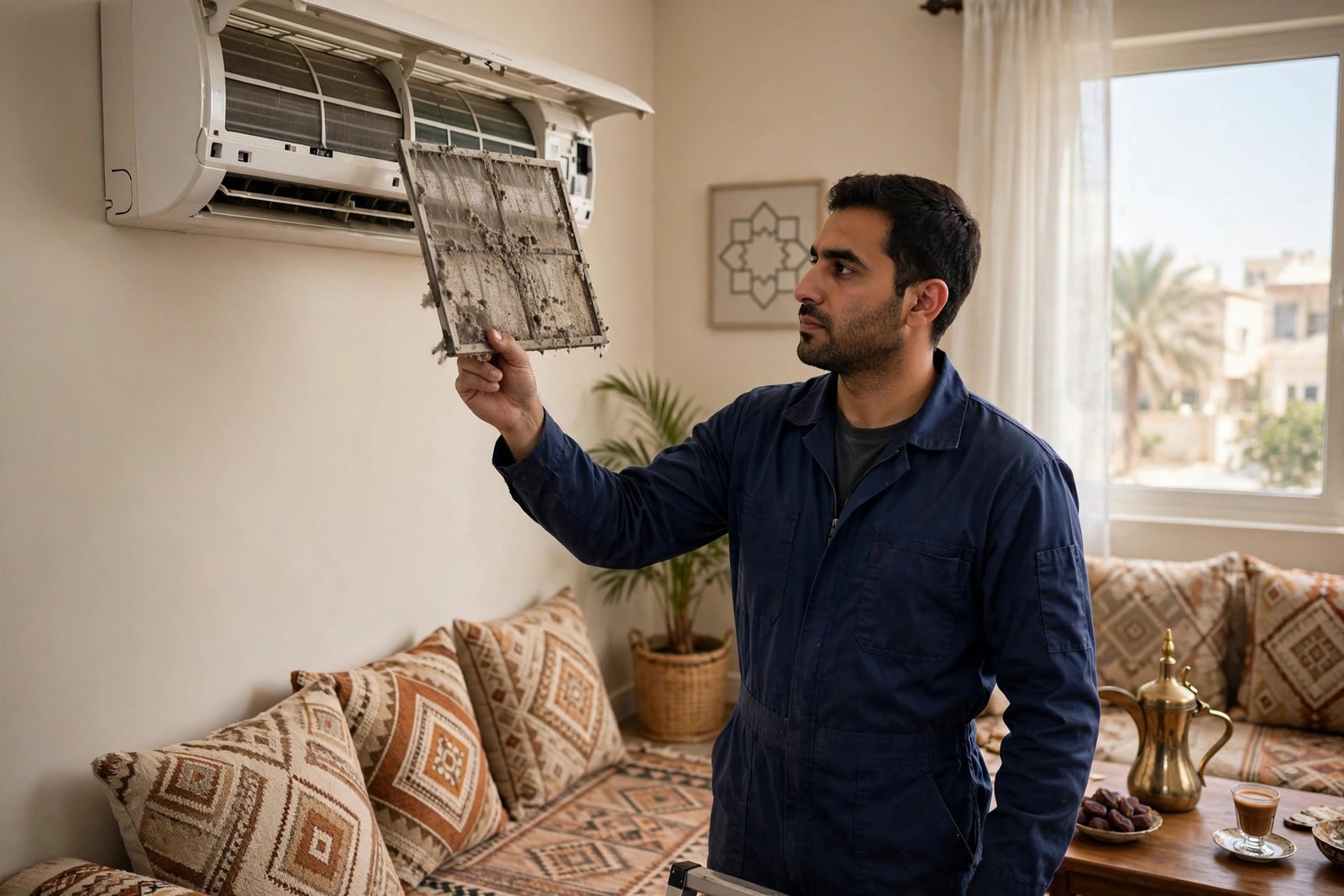
Open the front panel, slide out the two mesh filters, and wash them with lukewarm water and mild soap. Dry them fully in the shade, then refit. In Riyadh’s dust, filters can choke in weeks, and a choked filter overheats the coil and trips the timer-light protection. If filters are clean but cooling is weak, a split AC deep chemical wash (200 SAR, was 250) restores airflow through the coil fins.
Fix 3: Check the Remote Timer and Error Code
Press TIMER on your remote and look for any set on/off schedule; cancel it. Then press and hold TIMER for a few seconds: many Samsung remotes display the stored error code to quote your technician. Check your breaker panel too, and write down any code before resetting.
When to Call a Certified AC Technician in Riyadh
Call a professional when the samsung ac timer light blinking persists after the power reset, when the air is warm, when the outdoor unit never starts, or when you see an error code you cannot clear. These point to refrigerant leaks, electrical faults, or compressor problems. SheelTalab dispatches certified technicians anywhere in Riyadh in 45 minutes, 24/7, with a 30-day golden warranty and a 4.9/5 rating from 18,500+ jobs. AC Diagnostics & Rapid Repair is 120 SAR (was 180); for compressor issues see our AC compressor repair guide. Or book same-day AC repair and call 0570328344 / 0570328344.
A blinking timer light is your Samsung AC asking for attention, not necessarily a big bill. Cancel the timer, reset the power, clean the filters, and read the error code. If the samsung ac timer light blinking survives all three, it is a genuine fault, and a 120 SAR diagnostic with genuine parts and a 30-day warranty beats guessing with a screwdriver.