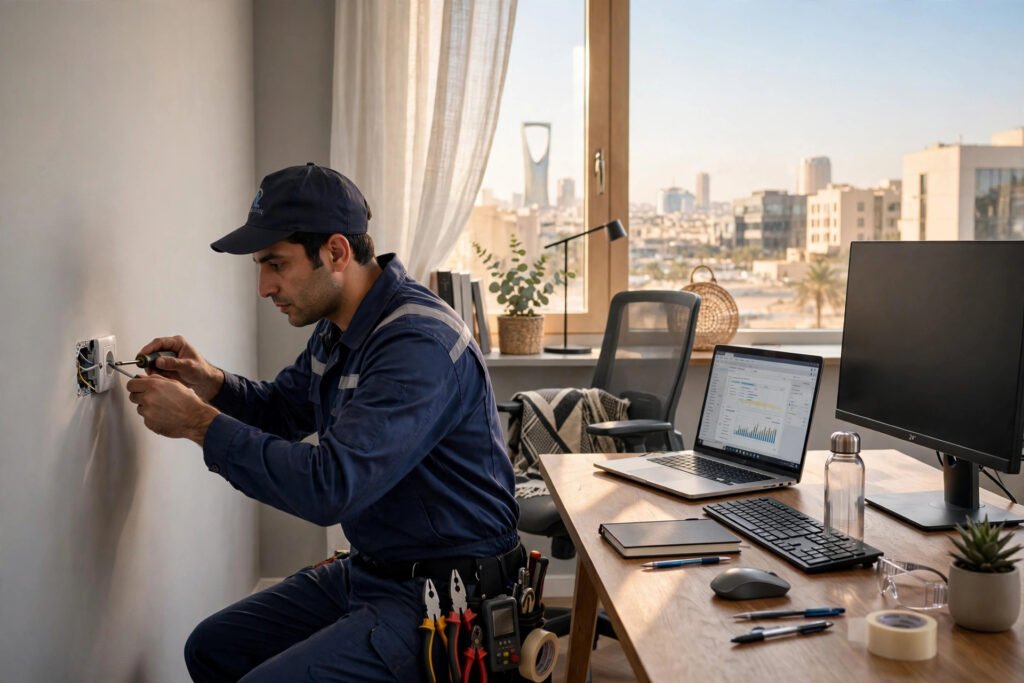
If you work from home in Riyadh, your desk probably looks familiar: a laptop, an extra monitor, a phone charger, a desk lamp, and a tangle of cables snaking across the floor. These practical home office wiring tips will help you plan your sockets, choose the right UPS, and keep your gear safe from overloads and power cuts.
Riyadh homes see voltage fluctuations, summer AC load spikes, and the occasional full power cut. For a remote worker, one fried power strip or one dead UPS battery can mean lost hours and corrupted files. Planning up front saves all of that.
In this guide, our electricians share six tips covering socket placement, extension cord safety, UPS sizing, surge protection, and grounding. If anything feels beyond a quick plug-in, professional help is one call away.
Why Home Office Wiring Matters in Riyadh
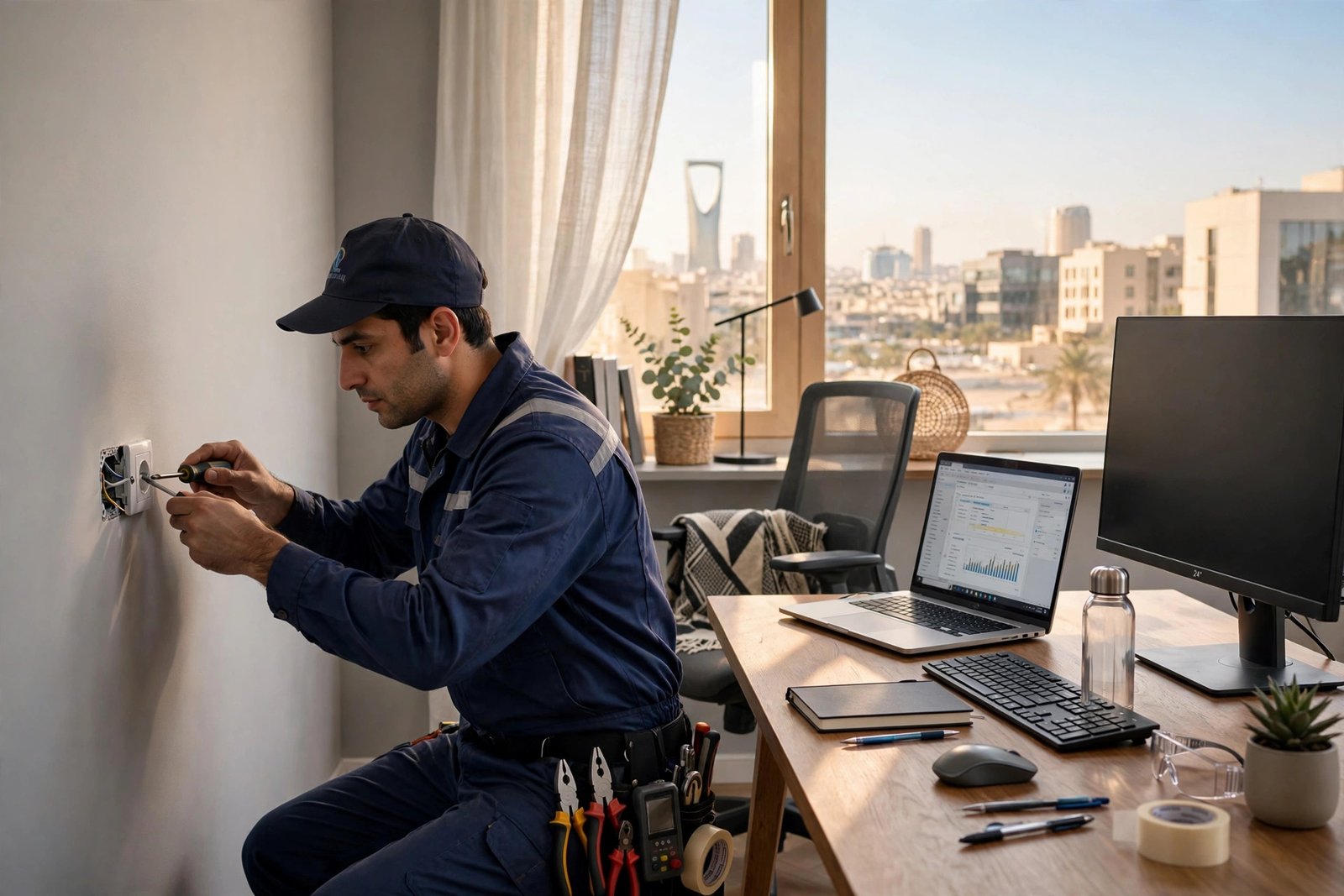
Most Riyadh apartments and villas were wired before anyone needed to charge four devices and run dual monitors from one corner. That usually means two sockets where you need six, on a circuit shared with the guest bedroom. Add Riyadh’s summer voltage swings and you get warm plugs, tripped breakers, and equipment that dies years early.
Well-planned sockets, a correctly sized UPS, and basic surge protection turn a fragile setup into one that survives power cuts without losing an unsaved file. The home office wiring tips below walk you through each step, with a clear line between DIY-safe jobs and work for a certified electrician.
6 Home Office Wiring Tips: Sockets and UPS Done Right
Tip 1: Plan Your Socket Layout Before You Plug Anything In
Count every device that lives on your desk: laptop charger, monitor, docking station, phone charger, lamp, printer, and router. Most people reach seven or eight against the one or two sockets behind the desk, which is exactly why extension cords end up daisy-chained across the room.
The fix is simple: sockets where you actually work. Aim for one double socket per two or three permanent devices, mounted 30 to 40 centimeters above the desk surface so plugs do not hang from their cords. Renters can use one high-quality strip plugged directly into the wall, never another strip. New sockets are a quick job for our electrician service in Riyadh: 150 SAR (was 190, labor only), 45-minute rapid dispatch, 30-day golden warranty.
Tip 2: Never Chain Extension Cords or Power Strips
Plugging one power strip into another is one of the most dangerous home office habits. Each extra link adds resistance, heats the weakest plug, and raises the risk of a melted connection or a fire. The Electrical Safety Foundation International lists avoiding overloaded outlets among its core work-from-home rules; read them on the ESFI electrical safety while working from home page.
If you must use one, pick a heavy-duty cord rated for the load, fully unwind coiled cords (coiled cords trap heat under load), and keep it off walkways. Extension cords are for temporary use only; if one has fed your monitor for six months, install a proper socket instead.
Tip 3: Size Your UPS to Your Actual Equipment
A UPS (uninterruptible power supply) is the best investment for a Riyadh home office, giving you 10 to 30 minutes to save work and shut down cleanly during the zero-warning power cuts here. Just buy one big enough: most people undersize theirs, and everything dies within two minutes.
Add up the wattage of everything you need during a cut: laptop (60 to 90W), monitor (25 to 40W), router (10 to 20W), a typical total of 150 to 250 watts. Pick a UPS rated at least 50 percent above that, so a 200W load gets a 600VA/360W unit minimum. Battery-backed outlets are for essentials only: laptop, monitor, router. Printers and heaters draw huge surge current and never belong on a UPS.
Tip 4: Give the UPS Air and Keep It Off the Floor
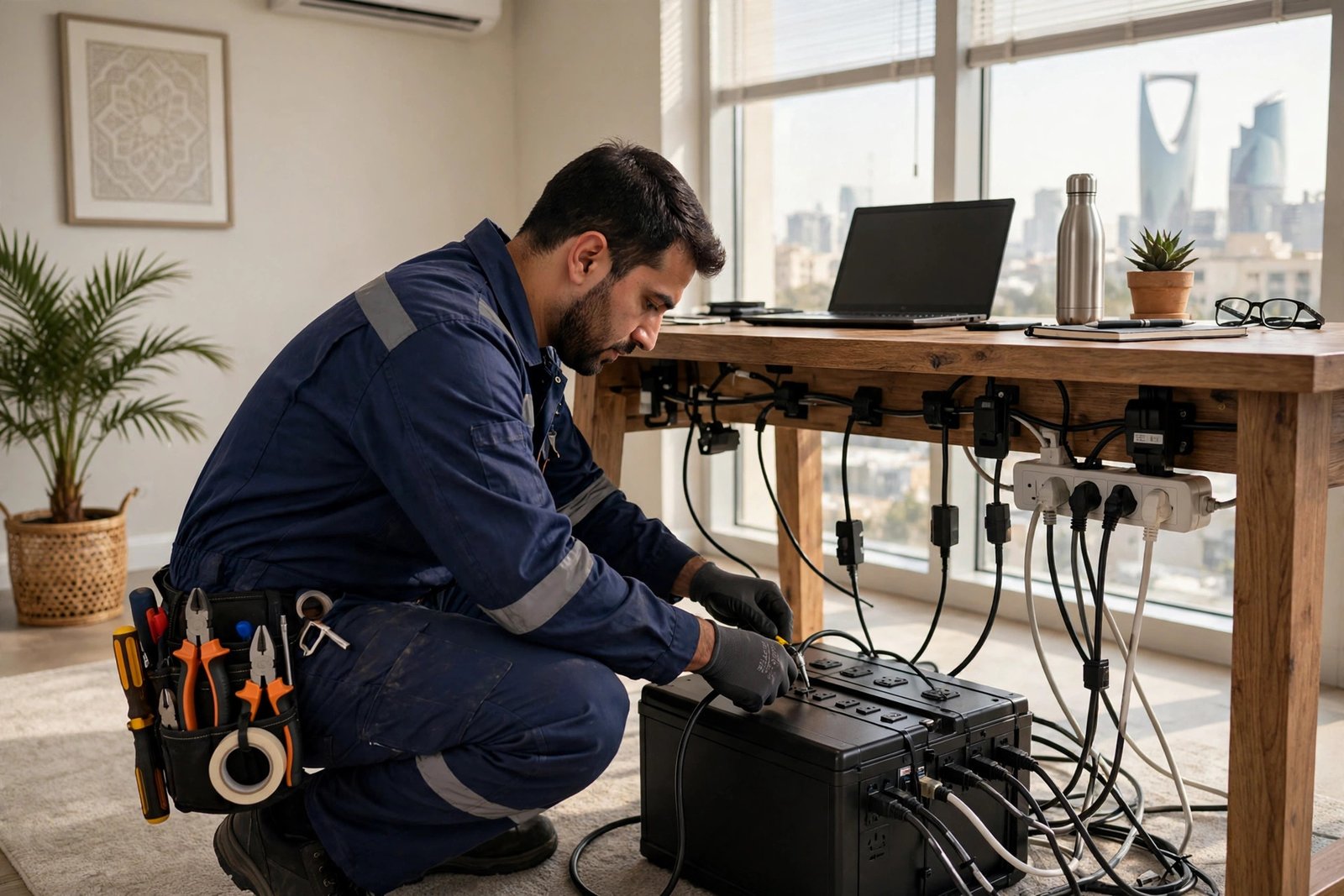
UPS batteries hate heat and dust, and Riyadh homes have plenty of both. A UPS tucked against a wall under the desk cooks in its own exhaust, shortening battery life from three years to one. Leave 15 centimeters of clear space on every side, keep vents unblocked, and raise the unit off the floor. Vacuum the vents every couple of months.
Replace the battery on schedule. Most UPS batteries last two to three years in Riyadh heat, and when the unit beeps through short blips it used to ride through, the battery is done. A replacement costs a fraction of a new UPS and takes five minutes to swap.
Tip 5: Put Surge Protection on Every Line You Value
These home office wiring tips would be incomplete without surge protection. A UPS guards against cuts, but voltage spikes are common in Riyadh during summer load peaks and sandstorm season. A quality surge protector rated at least 1000 joules with a clamping voltage of 400V or less absorbs the small spikes that slowly kill power supplies, routers, and monitor boards.
Use one surge strip per socket, plugged directly into the wall, and check its indicator light monthly. When the light goes out the protection is spent, so replace the strip. Ask an electrician about whole-house surge protection at the distribution board, which guards every socket in the villa from a single point.
Tip 6: Get Your Grounding and Breakers Checked
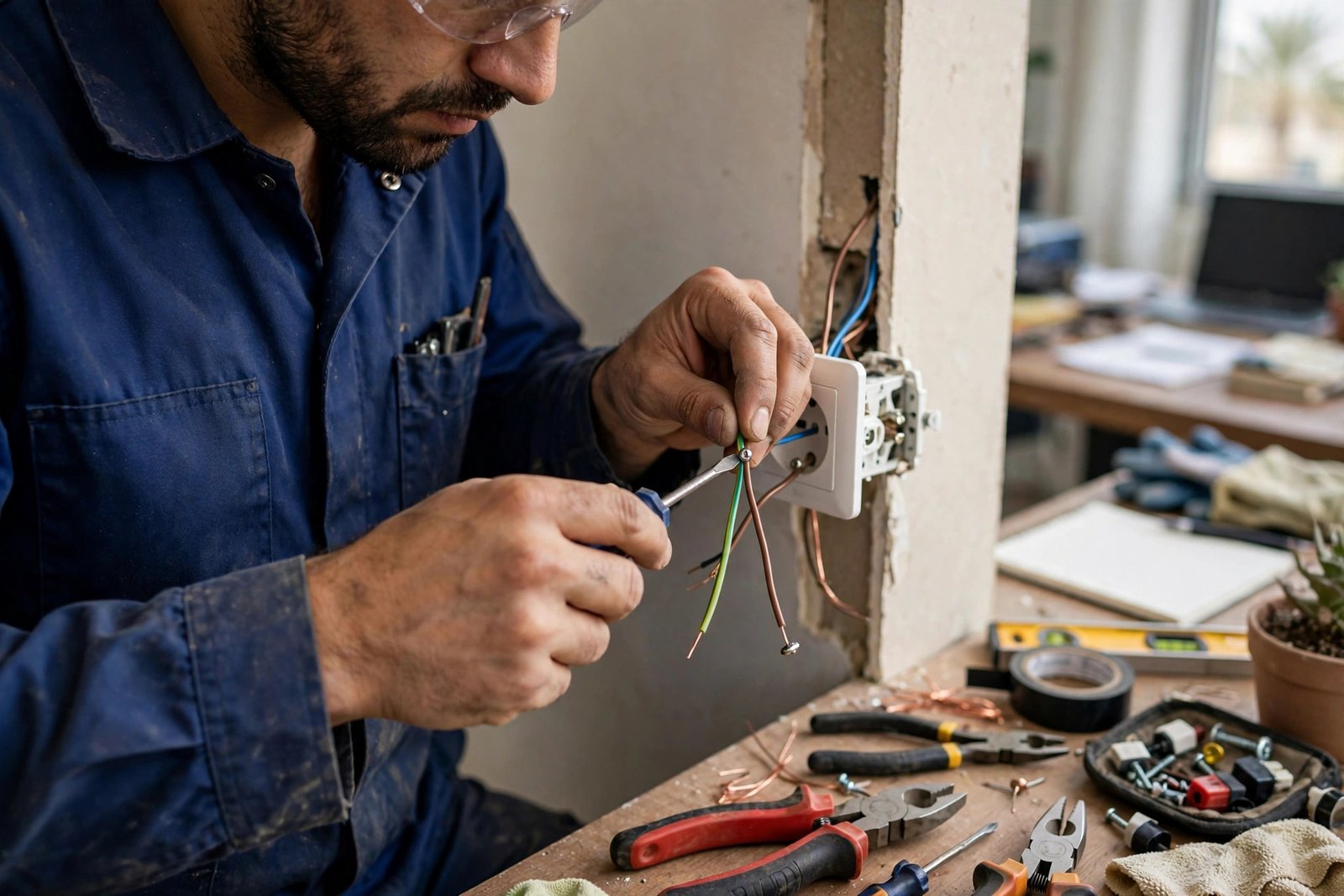
This is the most overlooked of all home office wiring tips, and it matters the most. Your surge protector and UPS can only do their job if the socket is properly grounded and the breaker is correctly rated. In older Riyadh buildings we regularly find sockets with no earth connection and oversized breakers, so a fault can melt cable before the breaker ever trips.
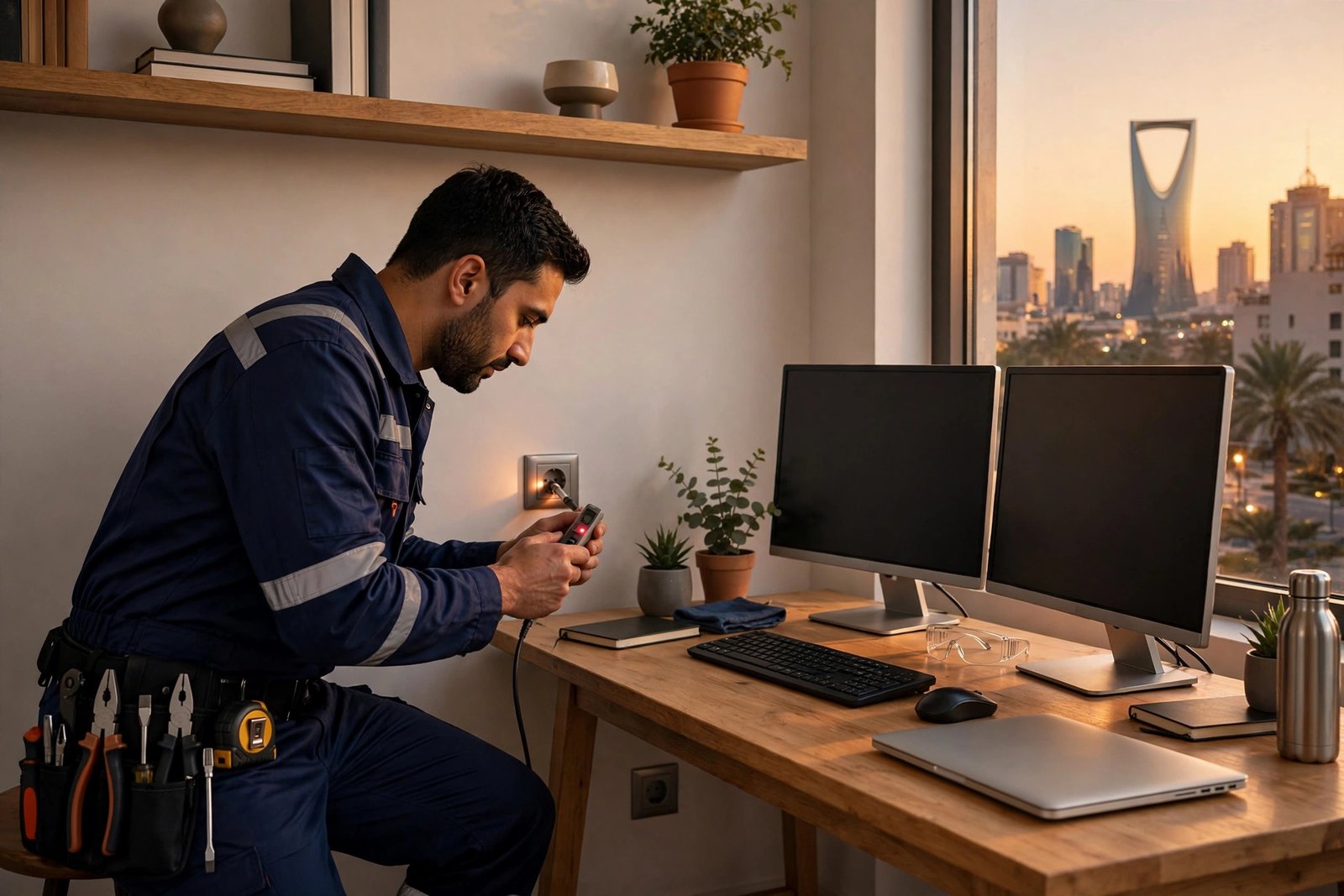
A socket tester costs little and tells you in seconds whether a socket is grounded and correctly wired. If plugs feel warm, lights dim when the AC kicks on, or the breaker trips when you add one more device, stop and call a professional. See why circuit breakers trip in Riyadh, or book our emergency electrician service, 24/7 with 45-minute dispatch anywhere in Riyadh.
When to Call an Electrician in Riyadh
Layout planning, a good power strip, and UPS sizing are safe DIY jobs. Call a certified electrician when the work touches wall wiring: adding or moving sockets, replacing a breaker, fixing a warm or buzzing outlet, installing a dedicated circuit, or diagnosing anything that smells hot. Electricity gives no second chances, and a licensed technician with genuine parts gets it right the first time.
SheelTalab electricians cover all of Riyadh 24/7 with 45-minute rapid dispatch: 150 SAR (was 190, labor only), a 30-day golden warranty, and a 4.9 out of 5 rating from more than 18,500 jobs. Call 0570328344 or 0570328344 anytime.
Final Checklist: Your Safer Home Office
To recap these home office wiring tips: match real sockets to your devices, never chain extension cords, size your UPS with 50 percent headroom, give it air and replace its battery on time, protect every line with a working surge strip, and get grounding and breakers verified by a professional. Your home office will then shrug off Riyadh’s power quirks instead of suffering from them.